
 0
 0
Building a professional website does not always require a large budget. WordPress offers thousands of free themes that allow small businesses to establish an online presence without spending money on website design. However, choosing the right theme is important because it affects your website’s appearance, performance, usability, and future growth.
A free WordPress theme can be an excellent starting point for a startup, local service provider, freelancer, or small business. The key is to find a theme that offers the essential features your business needs without unnecessary complications.
Understand Your Business Website Needs
Before selecting a free WordPress theme, consider the purpose of your website. A small business website may need an attractive homepage, service descriptions, an about page, customer testimonials, and a contact section.
If you run a restaurant, your website may require a menu layout and reservation information. A consulting business may need professional service pages and enquiry forms, while a local shop may benefit from product galleries.
Understanding your requirements will help you select a suitable theme instead of choosing one simply because its demo looks attractive.
Choose a Mobile-Friendly Theme
A mobile-friendly design is essential because many potential customers visit business websites through smartphones. If your website does not display correctly on smaller screens, visitors may struggle to read content, navigate menus, or contact your business.
Choose a responsive WordPress theme that automatically adjusts to different screen sizes. Before installing it, preview the theme on desktop, tablet, and mobile devices.
Pay attention to menu navigation, image positioning, font sizes, buttons, and page layouts to ensure a consistent browsing experience.
Check Theme Speed and Performance
Website speed plays an important role in user experience and search engine optimization. A theme with unnecessary scripts, complicated animations, and excessive design elements can affect loading performance.
Look for lightweight free themes that provide clean layouts and essential customization features. You can evaluate your website using Google PageSpeed Insights after installing the theme.
Remember that website speed also depends on your hosting provider, image optimization, caching configuration, and installed plugins.
Look for Customization Options
Your business website should reflect your brand identity. Even when using a free theme, you should be able to customize important design elements such as colours, fonts, logos, headers, footers, and page layouts.
Choose a theme that works with the WordPress Site Editor or Customizer, depending on its supported design system. Compatibility with popular tools such as Elementor and Gutenberg can also provide additional design flexibility.
A theme with useful customization options allows you to create a professional-looking website without requiring advanced coding knowledge.
Check SEO Compatibility
An SEO-friendly theme provides a strong technical foundation for improving your website’s visibility in search engines.
Look for themes with properly structured HTML, appropriate heading support, responsive layouts, and fast-loading pages. Your theme should also work smoothly with SEO plugins such as Rank Math and Yoast SEO.
Avoid themes that advertise unrealistic SEO guarantees. Search engine rankings depend on several factors, including website content, keyword research, technical optimization, backlinks, and overall user experience.
Verify Updates and WordPress Compatibility
Not every free WordPress theme receives regular maintenance. Installing an outdated theme may create compatibility issues with newer WordPress versions and other website plugins.
Before choosing a theme, check its last update, active installation information, user reviews, and available support documentation.
The official WordPress Theme Directory is a good place to explore free themes because it provides information about theme features, compatibility, and maintenance.
Popular Free WordPress Themes for Small Businesses
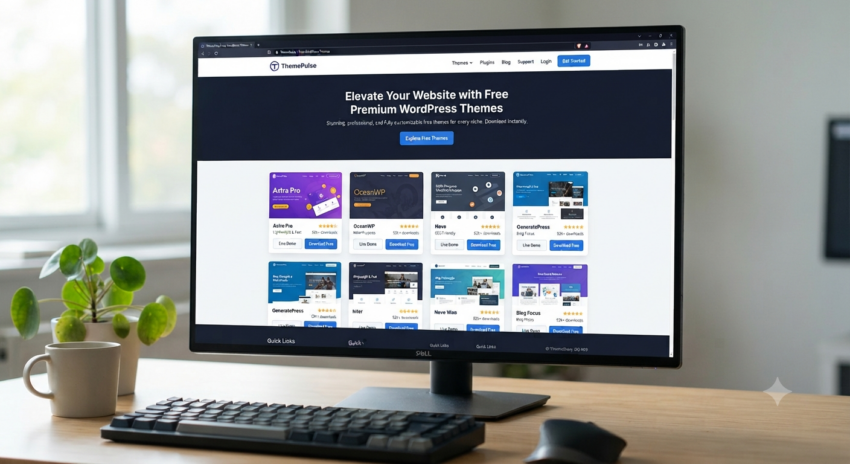
Several free WordPress themes are worth considering for small business websites. Astra is known for its lightweight structure and customization options. GeneratePress offers a clean design with a focus on performance. Kadence provides flexible design controls and starter templates. Neve is another option for businesses looking for modern layouts and responsive designs.
Each theme offers different features, so compare their free versions before making a decision.
Final Thoughts
Free WordPress themes can help small businesses create professional websites without investing heavily in design and development. However, the best theme is not necessarily the one with the most attractive demo or the largest number of features.
Focus on mobile responsiveness, website speed, customization options, SEO compatibility, and regular updates. By choosing a reliable theme that matches your business requirements, you can build a professional online presence and expand your website as your business grows.


