
 0
 0
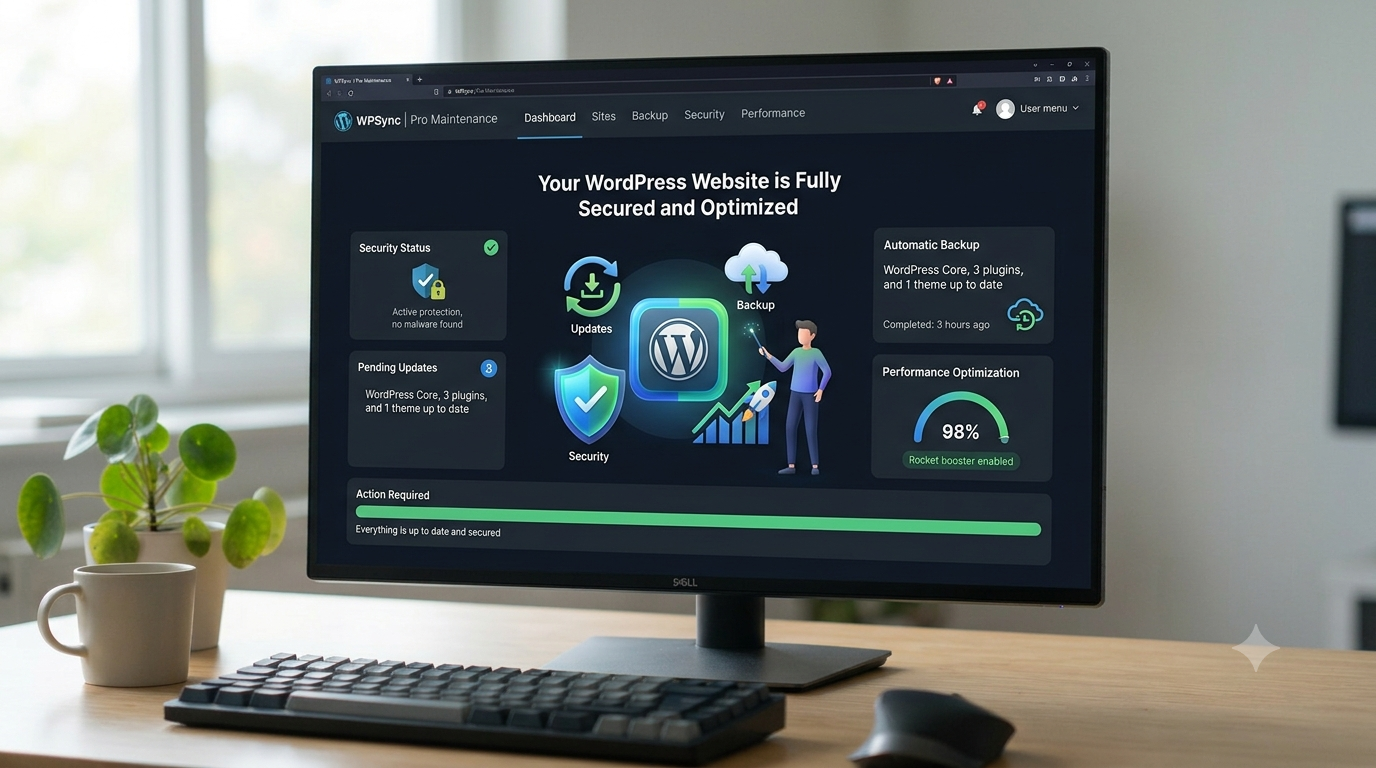
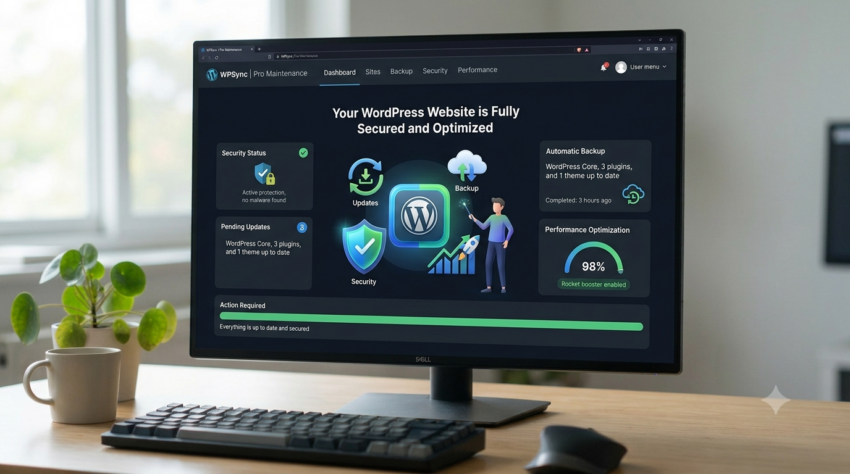
Running a small business website involves more than publishing content and displaying your services. Regular WordPress maintenance is essential to keep your website secure, fast, functional, and accessible to visitors. Without proper maintenance, your website may experience security vulnerabilities, broken links, slow loading speeds, plugin conflicts, and unexpected downtime.
Whether you manage your website yourself or work with a web developer, following a regular maintenance routine can help prevent technical problems and protect your online business.
Keep WordPress, Themes, and Plugins Updated
Keeping WordPress updated is one of the most important maintenance tasks. Updates often include security improvements, bug fixes, performance enhancements, and compatibility improvements.
Check for updates to your WordPress core, installed themes, and plugins regularly. Before updating, make sure you have a recent backup of your website. It is also important to remove inactive themes and plugins that you no longer use because unnecessary software can create additional security risks.
Always check your website after completing major updates to ensure that its important features are working correctly.
Create Regular Website Backups
Website backups protect your business from unexpected data loss. Server failures, malware infections, accidental changes, and unsuccessful updates can damage your website or make it inaccessible.
Schedule automatic backups of your website files and database. For a small business website, weekly backups may be suitable, while websites receiving frequent orders, enquiries, or content updates may require daily backups.
Store backup copies in a separate location, such as secure cloud storage, rather than relying only on your hosting account. Occasionally test the restoration process to confirm that your backups actually work.
Monitor Website Security
Website security should never be ignored, especially when your website collects customer information through contact forms, enquiry pages, or online payments.
Use strong administrator passwords and enable two-factor authentication wherever possible. Install a reliable security plugin, use HTTPS with a valid SSL certificate, and limit administrator access to trusted users.
Regularly check for suspicious login attempts, unexpected file changes, and unknown administrator accounts. Removing unused plugins and themes also helps reduce potential security risks.
Check Website Speed and Performance
A slow website can frustrate visitors and reduce the chances of converting them into customers. Regular performance checks help identify problems before they affect your business.
Test your website using Google PageSpeed Insights or GTmetrix. Optimize large images, enable browser caching, and use an appropriate caching solution.
If your hosting provider supports server-level caching, make sure it is configured correctly. Avoid installing multiple plugins that perform the same optimization tasks because they may create conflicts.
Review Website Forms and Important Links
Contact forms are important for small businesses because they allow potential customers to ask questions and request services.
Test your contact forms regularly to ensure submissions are delivered to the correct email address. Check enquiry buttons, phone numbers, email links, appointment forms, and other important website features.
Review internal and external links to identify broken URLs. A website with working navigation and functional contact options provides a better experience and makes it easier for customers to reach your business.
Check Mobile Responsiveness
Many customers visit business websites using mobile devices. Therefore, your website should display properly on different screen sizes.
Review your homepage, service pages, navigation menu, images, buttons, and contact forms on smartphones and tablets. Make sure text is readable, buttons are easy to tap, and important information is not hidden.
A mobile-friendly website helps visitors navigate your business information without unnecessary difficulties.
Review Website Content and SEO
Website content should remain accurate, useful, and relevant to your business. Review service descriptions, business information, pricing details, opening hours, and contact information regularly.
Check your website’s SEO performance using Google Search Console and your preferred SEO plugin, such as Rank Math. Review page titles, meta descriptions, heading structure, image alt text, and XML sitemaps.
Updating outdated information and fixing broken pages can improve the overall quality of your website.
Monitor Website Uptime and Database Health
Website downtime can prevent potential customers from accessing your services. Use an uptime monitoring service to receive notifications when your website becomes unavailable.
You should also review your WordPress database periodically. Remove unnecessary post revisions, expired transients, spam comments, and other unwanted data using reliable database optimization tools.
Always create a backup before performing database cleanup.
Final Thoughts
Regular WordPress maintenance helps small businesses maintain a secure, reliable, and professional online presence. Updating software, creating backups, monitoring security, checking website performance, and reviewing content should become part of your routine.
Following this maintenance checklist can help prevent common website problems, protect important business information, and provide visitors with a smooth browsing experience. A properly maintained WordPress website is not just a technical requirement; it is an important part of building customer trust and supporting long-term business growth.


